
Getting Started
New
GTA 6 Beginner Tips: 15 Things to Know Before You Start
Start GTA 6 the smart way: protect your cash with BuckMe, dodge the Chapter 1 money wipe, unlock Lucia and shake the police with these 15 tips.
Out now GTA 6 on PS5 & Xbox Series X|S
GTA 6 Guides
Beginner GTA 6 tips, controls and settings to get the best start in Leonida.
Start GTA 6 the smart way: protect your cash with BuckMe, dodge the Chapter 1 money wipe, unlock Lucia and shake the police with these 15 tips.
GTA 6 subtitles can be small or even off. Go to Settings > UI > Subtitles & Captions, set Size to Large and add a background and speaker names.
GTA 6 sets the minimap to Dynamic by default. Switch it to the always-on option in Settings > UI > Navigation, or tap D-pad Down to show it on demand.
Sprinting on L3 in GTA 6 feels wrong? Switch to the Classic control scheme to run on Cross or A again. Here is the exact menu path and what else moves.
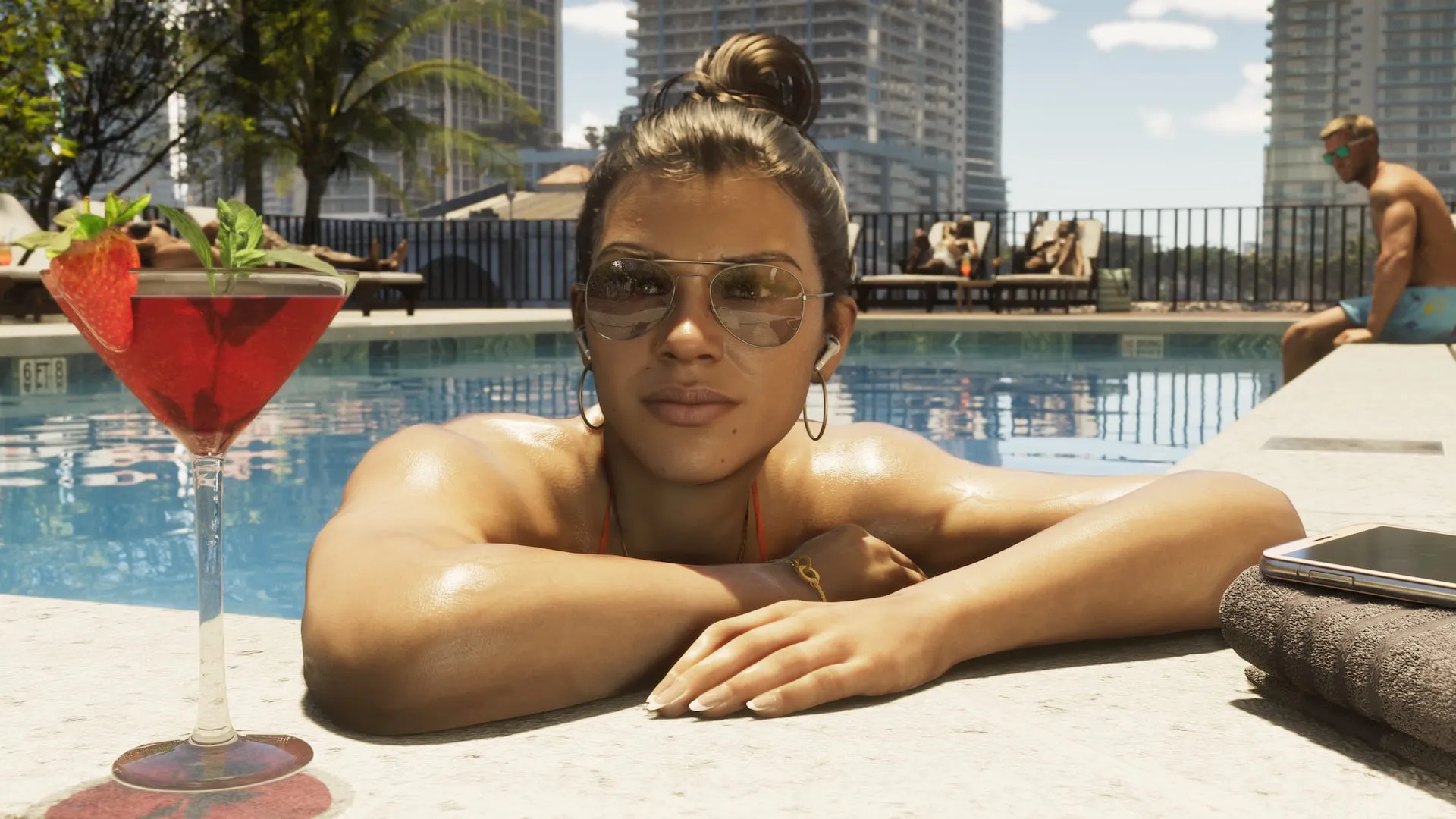
Free switching between Jason and Lucia opens in Chapter 2 after Coffee Break. Here is the button combo, why it gets greyed out, and tips for playing as a duo.

GTA 6 police track a description of you: outfit, car, weapon, partner and CCTV. Learn the six-star system, the heat states and how to lose a wanted level.